Please note that we have implemented a new and improved online ticketing and reservation system to make planning your visit faster and easier.
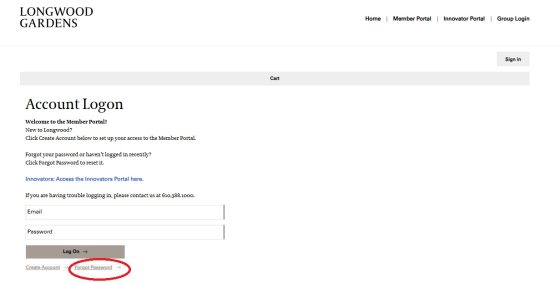
New Primary Members, access the Member Portal at longwoodgardens.org/membership-lookup using your Member number and last name. Renewing Primary Members, can access the Member Portal at longwoodgardens.org/account-logon, then log in with your email and set your password using the Forgot Password link.
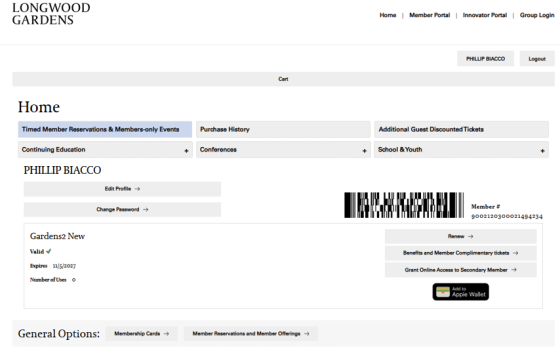
Once logged in, you can make Member reservations, save your digital card (including adding it to Apple Wallet), and get your Complimentary Guest Tickets—all in one place.
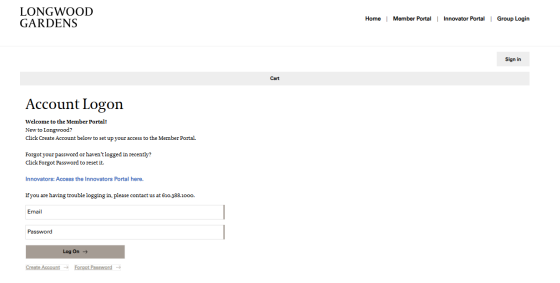
To ensure a smooth transition, please use the same email address when logging into the new ticketing system, as the new platform uses the email we have on record to recognize your account. Doesn't work? Try "Forgot Password."