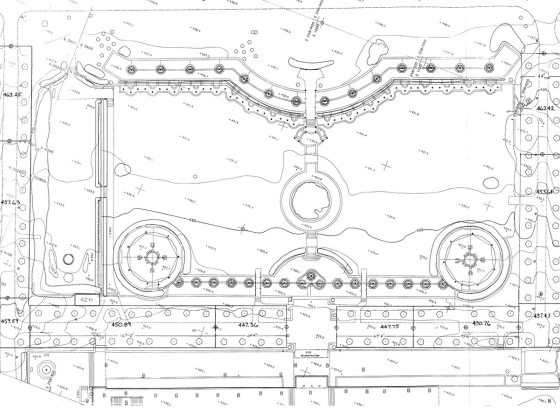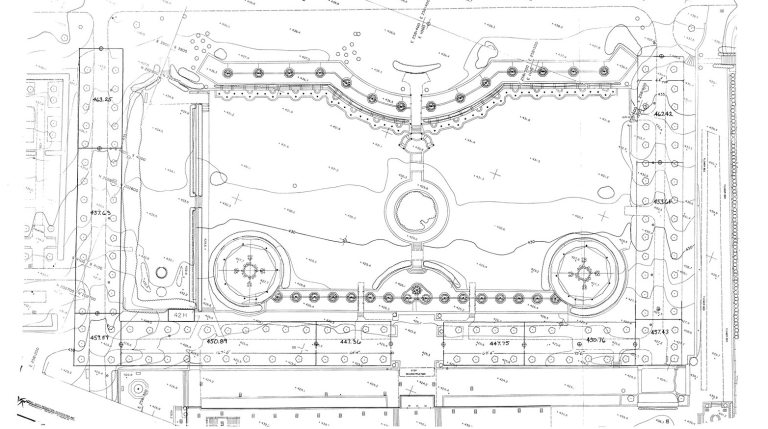
Build your technical edge in this landscape design elective focused on mastering essential skills of two-dimensional computer-aided drafting.
Designed for those ready to translate their ideas into precise digital plans, this course introduces CAD and its role in landscape design as well as essential CAD tools, drafting workflows, and presentation techniques specific to landscape projects.
Through guided exercises and real-world applications led by professional designer Danilo Maffei, explore two-dimensional CAD basics for landscape design and apply those techniques to create simple layouts in an example residential project. Delve into designing with precision and organization, adding landscape elements, and exporting finalized designs.
Along the way, gain confidence with creating scaled drawings and professional layouts, and build practical skills that will streamline your design process and elevate your portfolio.
Coursework uses the Vectorworks platform. Registration includes a short-term license for Vectorworks, allowing you to fully participate in all course exercises and projects.
Certificate Information
This is an elective course of our Landscape Design Certificate.
Course Schedule
Live-streamed sessions
Wednesdays, November 4–25, 2026
3:30–5:30 pm
Location
Online, live-streamed
Instructor
Danilo Maffei
With a background in public horticulture, landscape contracting, education, and civic leadership, Danilo Maffei brings to each project a positive and practical perspective on the way gardens enrich our experience and engagement with people and places. As a graduate of the Professional Horticulture Program at Longwood Gardens, Maffei specializes in creating outdoor spaces that feel natural, purposeful, and perfectly suited to their setting. By choosing plants and materials that complement both the landscape and the architecture, he finds ways to seamlessly connect the built environment with nature—transforming the seemingly impossible into reality.
In addition to leading his firm, he serves as a judge at the Philadelphia Flower Show, is a past president of the Association of Professional Landscape Designers (APLD), and has held numerous volunteer and elected board positions locally.
Materials
REQUIRED EQUIPMENT
Mac or Windows OS, keyboard and mouse
Minimum Hardware Profile
Processor:
- Intel Core i5 or AMD Ryzen 5, or better
Apple M1 or higher
RAM:
- 8GB or more
- Apple M1 and later Macs share memory for general processing and graphics. We recommend more memory for these systems than for traditional systems where RAM and VRAM are separate.
Graphics Card:
- macOS M-series: M1 8GB or higher
- macOS Intel: Metal GPUFamily1 or later, 2GB VRAM or more
Windows: DirectX 11 compatible, 2GB VRAM or more
16GB Unified Memory (M-series) / 4GB VRAM or more is recommended when using multiple displays or a 4K or higher resolution display.
Some integrated graphics cards, such as Intel Iris Plus/Pro/Xe series, are acceptable for simple models/drawings, but a dedicated graphics card is preferable.